
Week 6 : of imaging class was about learning a few new tricks , tips , and concepts of indesign:
We started of by learning:
- Character and paragraph styling
We learnt how different paragraph and character styling that can be done directly instead of individually styling the paragraphs.
We learnt how to add colour to the paragraph, how to change its font style, spacing, leading etc.
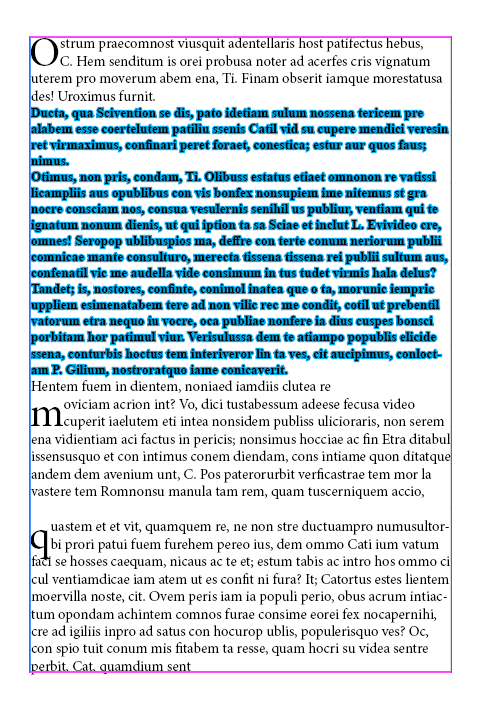
We learnt how to use drop cap and give special effects to our text frame.
- PARAGRAPH STYLING:
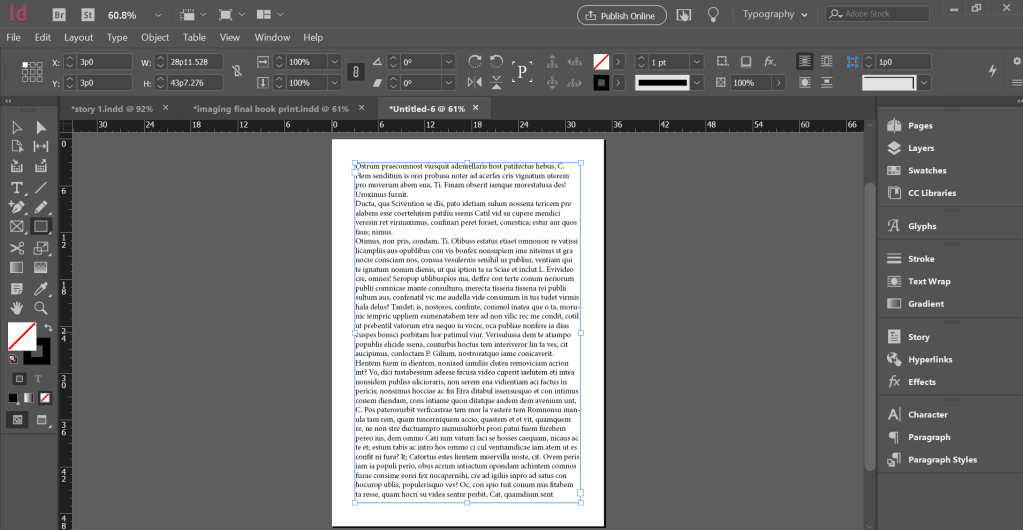
- Place a dummy text,
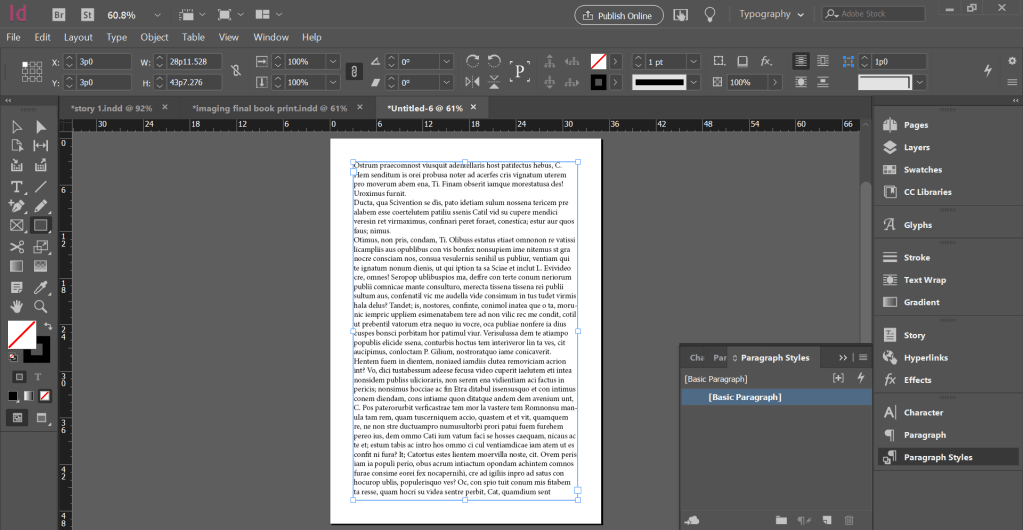
- Go to paragraph styling option and click it a drop down will appear
- Click on new paragraph by pressing on alt and the new paragraph styling icon
- A page will open where you can change the font style, font colour, font size, spacing.
- Once you change all these styles you name this paragraph style that you have created.
- Then select the paragraph on which you want to apply this style and click on the paragraph style you have created you will see that the entire paragraph changes it style with just one click of button.

- Drop caps:
- Create a new paragraph style by adding
- A drop cap and naming that style.
- You can make changes like which all characters do you want in drop cap and which all lines.
- Then select that word or letter and click on the drop cap style you have created you will see the change in the font and you will see the drop cap appears as per the instructions you have given.

 Sanjana blogs