
Class 2 of imaging class was about our introduction to a new software INDESIGN.
We started of by understanding the basic information about the software.
Indesign is a layout and publishing software. It is a paragraph composer whereas word is an online composer, indesign can be called a digital document the file or blankspace where we work on in indesign is called a document.
We then started working on the software and learned the basic functions and techniques of the software.
- To fill dummy text on the document:
- Go to the type menu , and select fill with place holder text.
- Automatic, text fills the document.
- We learnt about the different frames, and its 3 types – text frame, graphic frame, unassigned frame.
To get a text frame, go to object menu, then content and the you will see a drop down appearing with all 3 frame options.
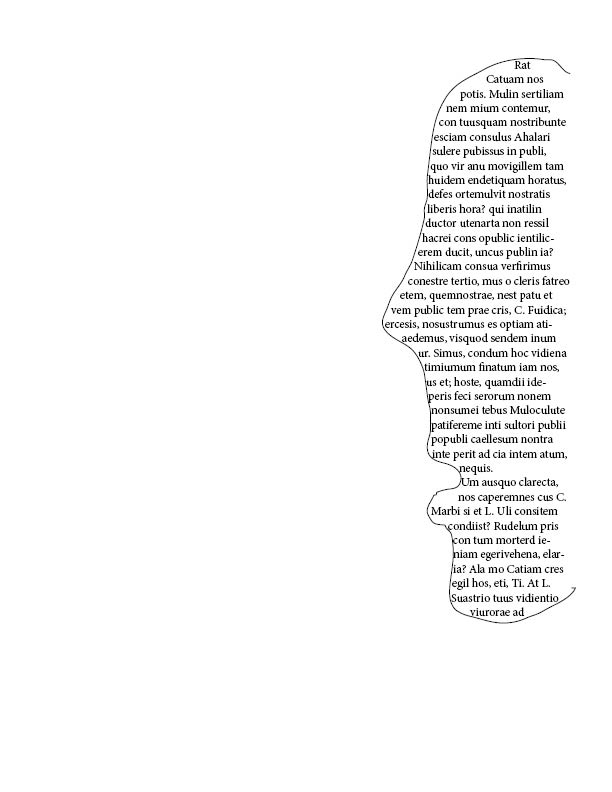
- We then learnt how to fill text in a object or figure or image:
We drew a face freehand using the pencil tool and filled in dummy information, to understand how to use the tool and fill in text in objects.
- We then learned the 3 ways of flowing a text
- Manual flow of text, is when you manually place and fill in text on every page where on the first page once you place text and red box with a plus sign appears on the righthand side corner, on clicking it every time you load your cursor and fill the next page manually.
- Semi auto flow of text, is where once you load the matter on the cursor and place it on the first document , so every time I have to fill the other pages my cursor will automatically be loaded with text I just have to place the same.
- Auto flow , is when the text automatically fills all the pages on one click of a button.
- Fixed flow is when you can place the text as and where you want without aligning it in sequence of the document.
This was all we learnt for week 2 class, and understood the technicality behind the software, it was more of the technical a theoretical part that we started learning.

 Sanjana blogs