
First class of semester 2 started with a little recap of the soft wares we learnt and the basic gk behind it.
It was a quick recap we did like-
- Tints – are when we mix white with other colours the colours it makes are called as tints.
- Shades – are those colours you get after mixing black .
- Tones – are those colours you get after mixing with greys.
- RGB- are called as additive colours. They are primary pigmented colours.
- CMYK- are subtractive colours.
- Adobe illustrator is a vector software
- Adobe photoshop is a raster software.
- Flat colours are in 3 types- gradient, blends, mesh
We went through a few techniques and tricks :
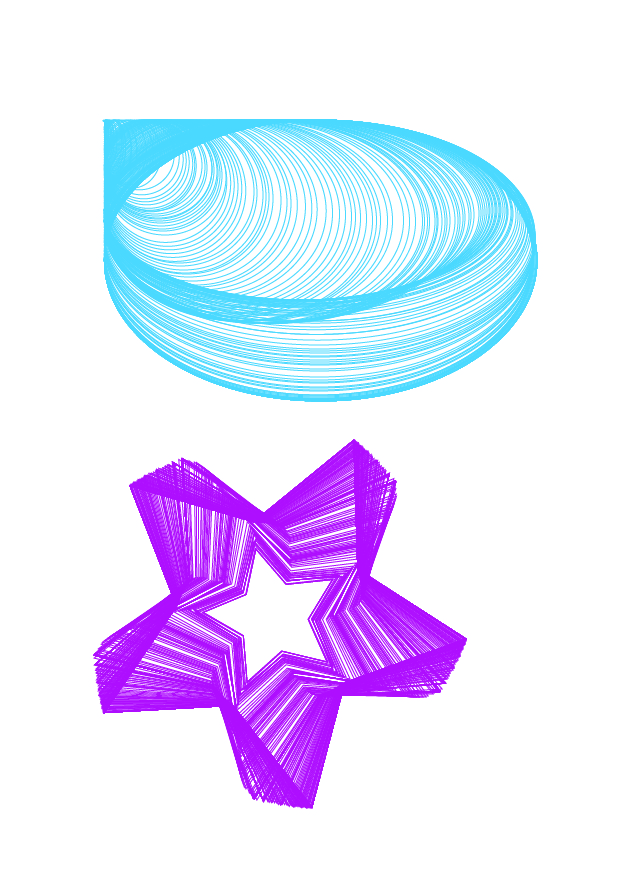
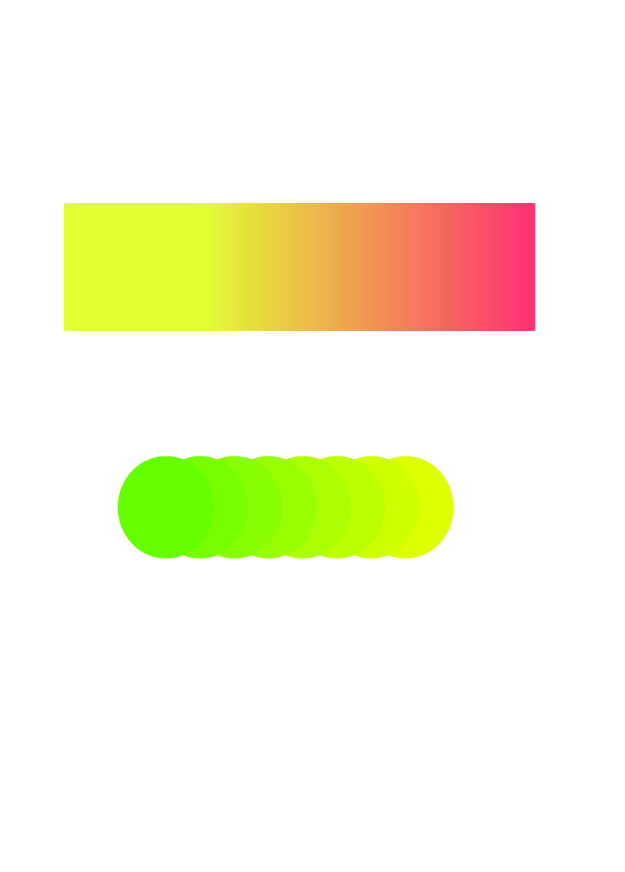
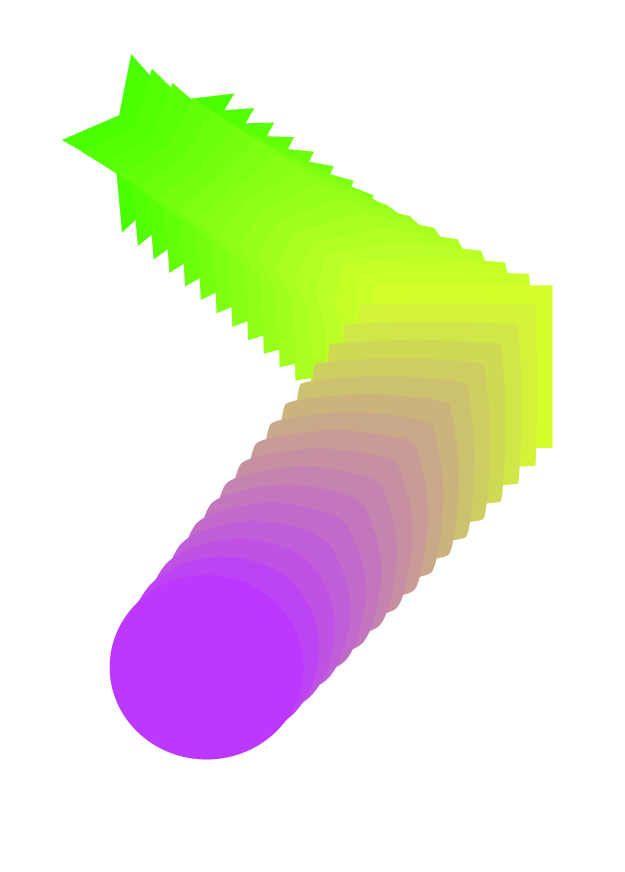
We then learnt the types of blends :
- Colour blend:
- Gradient blend
- Shape blends
- Node blends
- Text blends
- Blends on custom paths
- Opacity blends
Post that we learnt how to make brushes on illustrator:
- Scatter brush
- Art brush
- Pattern brush.




all in all we started with a short revision of what we did in the past and then moved further to a casual introduction as to what we were going to do in the coming weeks and what is indesign.
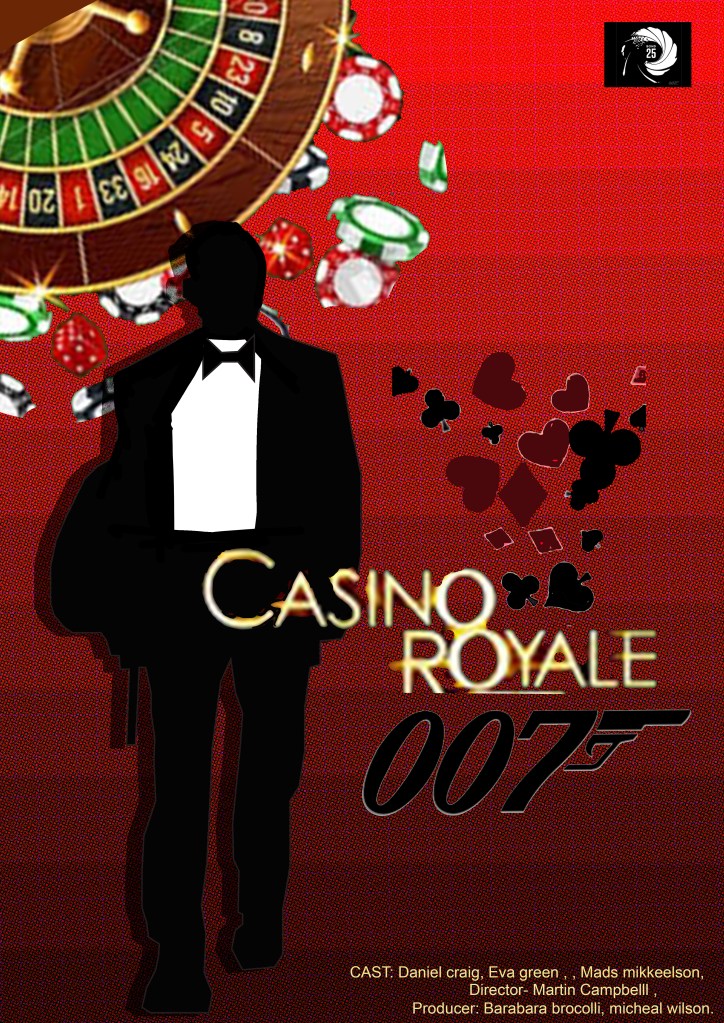
we then were told to recreate a movie poster using both the illustrator and photoshop software:

 Sanjana blogs