
Week 4 of imaging was all about learning the advance features of adobe illustrator. Such as clip art, clipping mask, feather effects, transparency mask, 3d effects and explored various tools
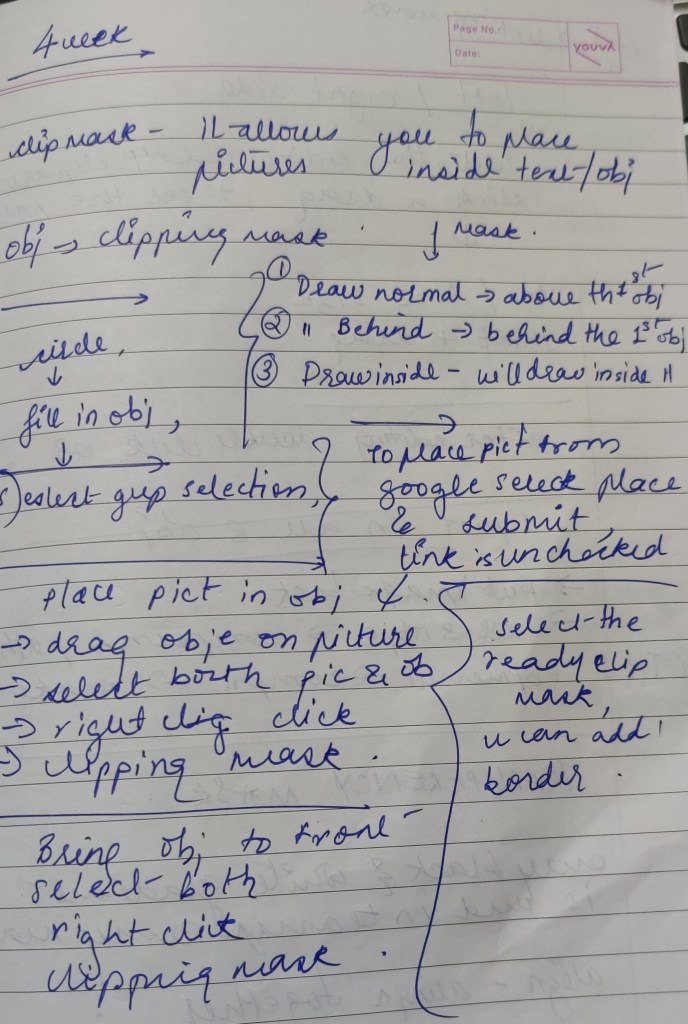
CLIP MASK: clip mask allows you to place any picture inside any object or text.
We also explored the feature of combining 2 objects and placing them in front of each other respectively.
Steps we followed to apply clip mask:
- Create an object or any shape
- Place the picture you want over the object
- Using arrange panel you have to select the option to bring the shape in front of the picture
- Right click
- And select clipping mask
We explored the symbol panels, tools panel ,3d effect, swatch library menu
Types of symbol panel we learnt were: are movie clips, dynamic symbol, advance clip .

3d effect given using ~ key 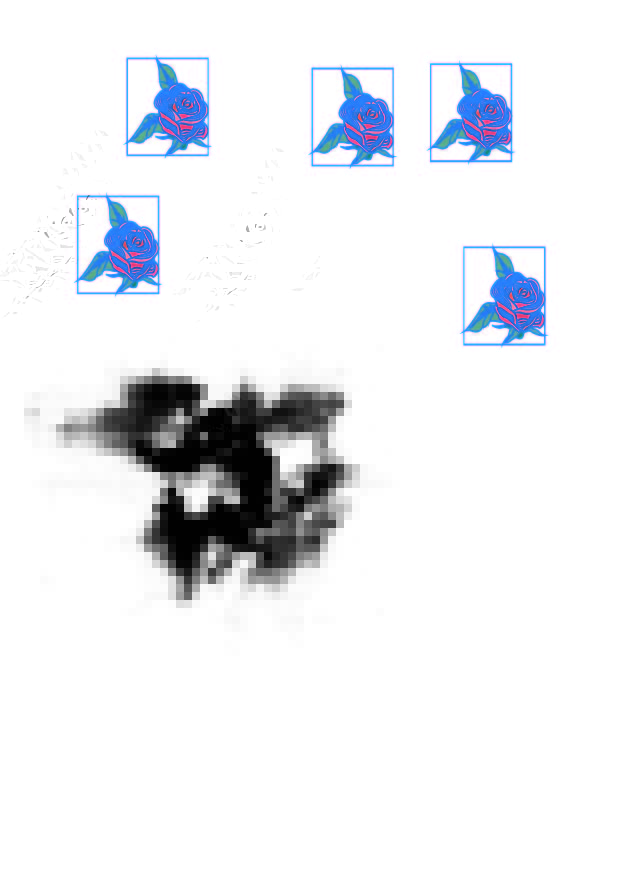
exploring clip art and how to change the colour of the original clip art 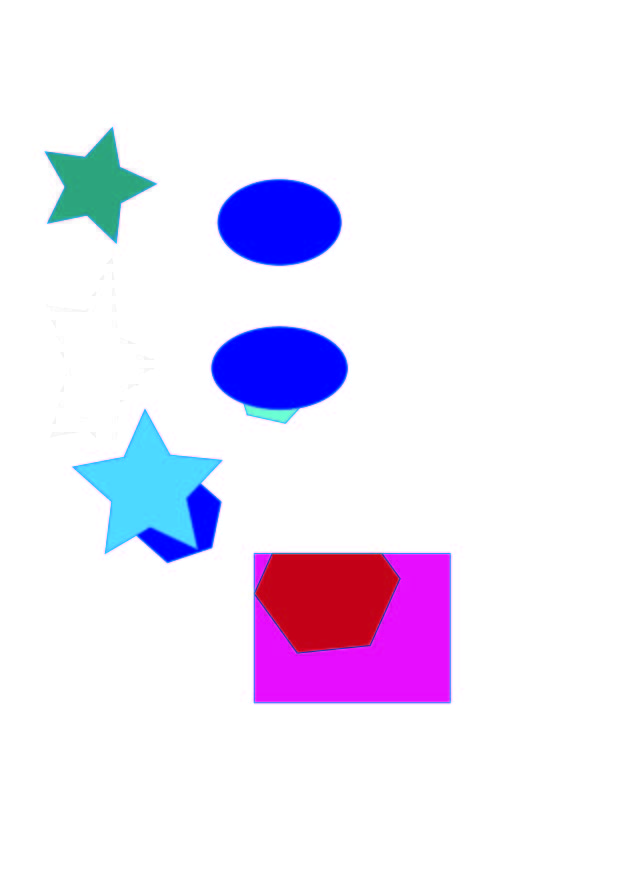
practicing how to bring objects and placing them above, behind and within each other respectively 
clipping mask practice 
giving feather effect to objects and shapes
This excercise helped understand how to use effects and clip art as well as cliping mask, which helpful in
- Using arrange panel you have to select the option to bring the shape in front of the picture
- Right click
- And select clipping mask
We explored the symbol panels, tools panel ,3d effect, swatch library menu
Types of symbol panel we learnt were: are movie clips, dynamic symbol, advance clip .


This excercise gave me an understanding as to how i can use clip art and effects as well as clipping masks to create calenders and posters.

 Sanjana blogs