
In week 4 of imaging class we learnt a few advanced techniques and features of illustrator which are:
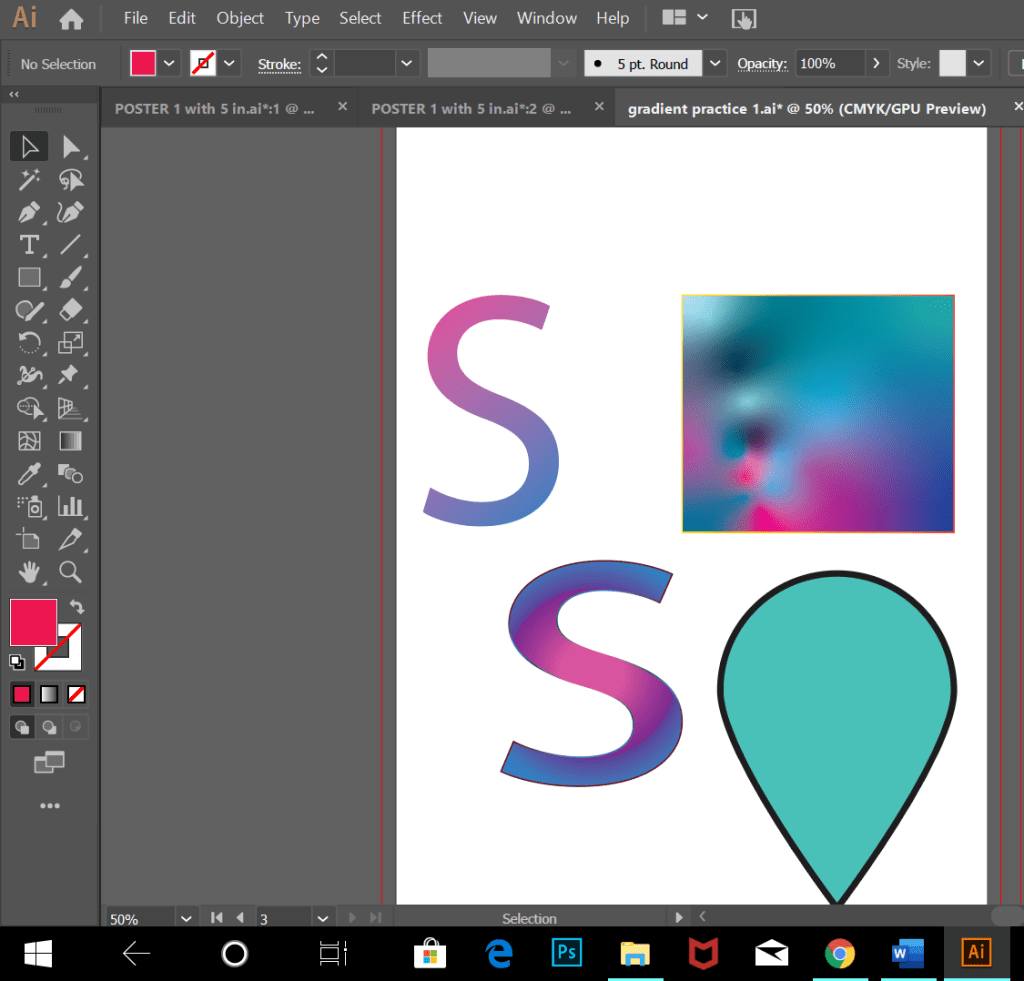
- Gradients = it is the graduated blend of two or more colours or two tints of the same colour.
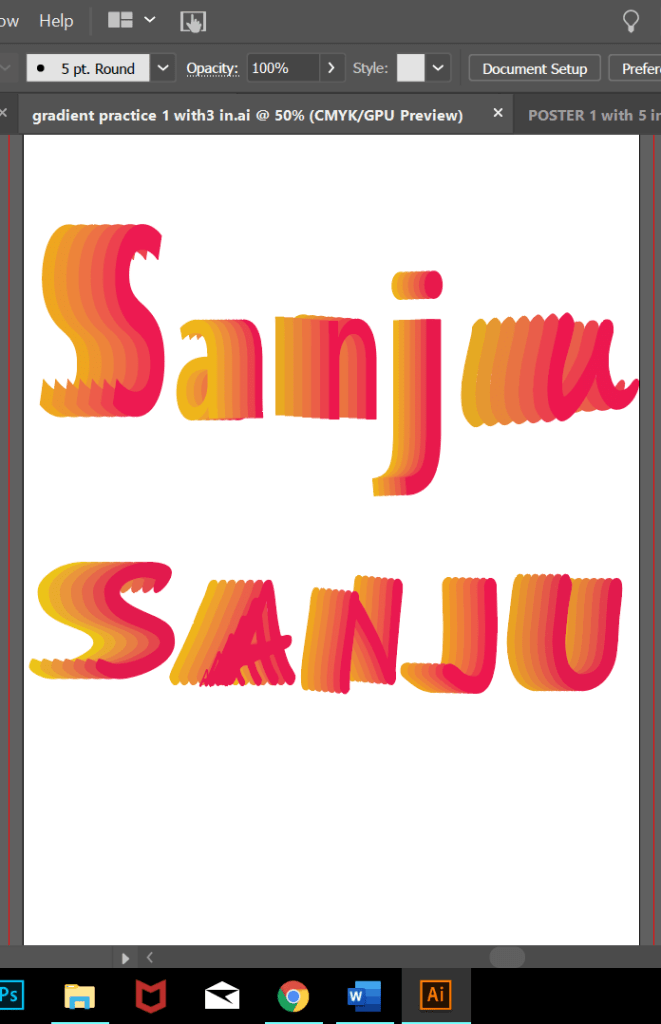
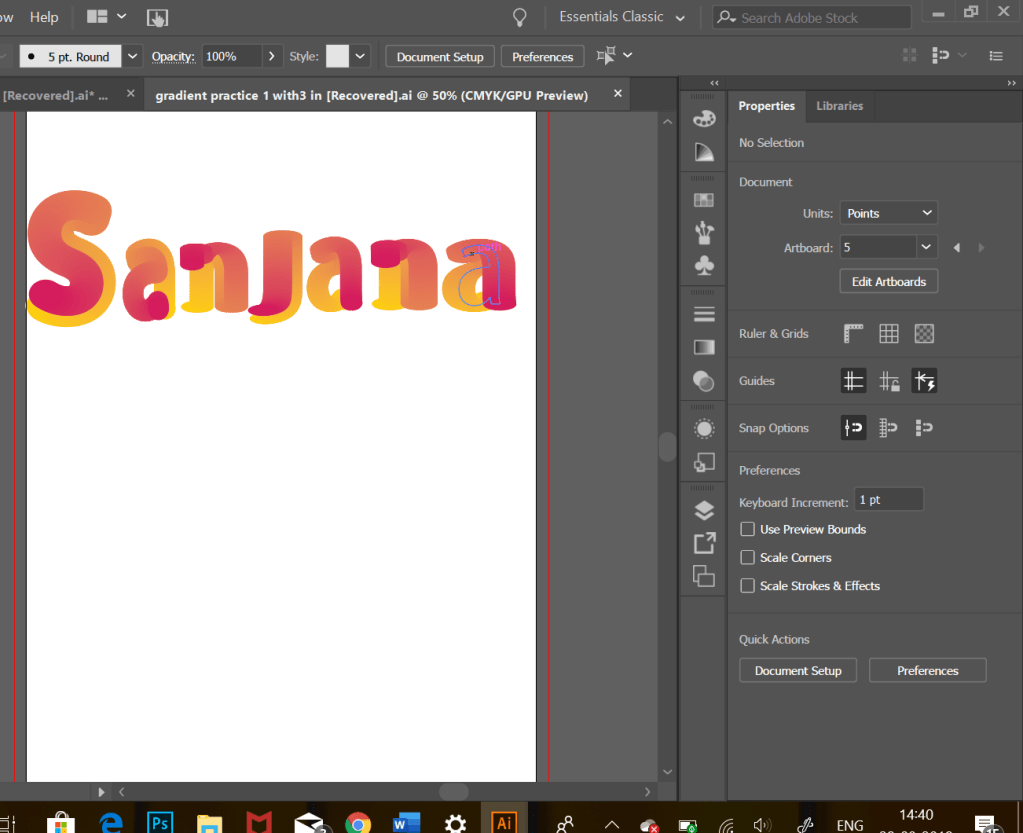
- Letters shade Blending
- Opacity
- Shadow
- Effects
- Blending modes
Types of gradients: Radial, linear, and free form gradient.
Few important steps and keys:
- Any font in adobe is in vector form to apply blending techniques we need to convert it to a Raster form.
- To replace the spine:Select the object or line>select the outline> blend object> ungroup it> release compound path.
- To duplicate any line or object -Ctrl+alt+drag
- Text as well as objects can be blended
- Blending text: select text> ungroup it> duplicate each letter> select colour shades>select object in menu bar> then expand > blend > blend forms> make .

Initially it was a little difficult to cope up and learn the illustrator software , but as I am learning new things every class , I am slowly able to grasp the content and apply the same , also the hands on practice which I am doing after the class is helping me gain interest and confidence in using the software.



 Sanjana blogs